Home Assistant entity catalogue
The integration creates one HA device per Omni panel. Every named object on the controller (zones, units, areas, thermostats, buttons) is materialised as one or more typed entities below. Discovery happens once at first refresh; live state propagates over the panel’s unsolicited push channel within one TCP round-trip, with a 30-second poll backstopping anything that didn’t push.
In addition to the entity catalogue below, the integration registers an Omni Programs sidebar item — a dedicated UI for browsing, editing, cloning, and firing the panel’s built-in automation programs (the panel-side rules that run on the controller itself, distinct from HA automations). See the edit-programs-in-ha how-to for the walkthrough.
| Platform | Entity | Per |
|---|---|---|
alarm_control_panel | Area arm/disarm with code | discovered area |
binary_sensor | Zone open/tripped | binary zone |
binary_sensor | Zone bypassed (diagnostic) | binary zone |
binary_sensor | AC power, backup battery, system trouble | panel |
button | Panel button macro | discovered button |
climate | Thermostat (heat/cool/auto, fan, hold) | discovered thermostat |
event | Typed push event relay | panel |
light | Unit on/off + brightness | discovered unit |
sensor | Analog zone (temp/humidity/power) | analog zone |
sensor | Thermostat current temp / humidity / outdoor temp | thermostat |
sensor | Panel model + firmware, last event class | panel |
switch | Zone bypass toggle | binary zone |
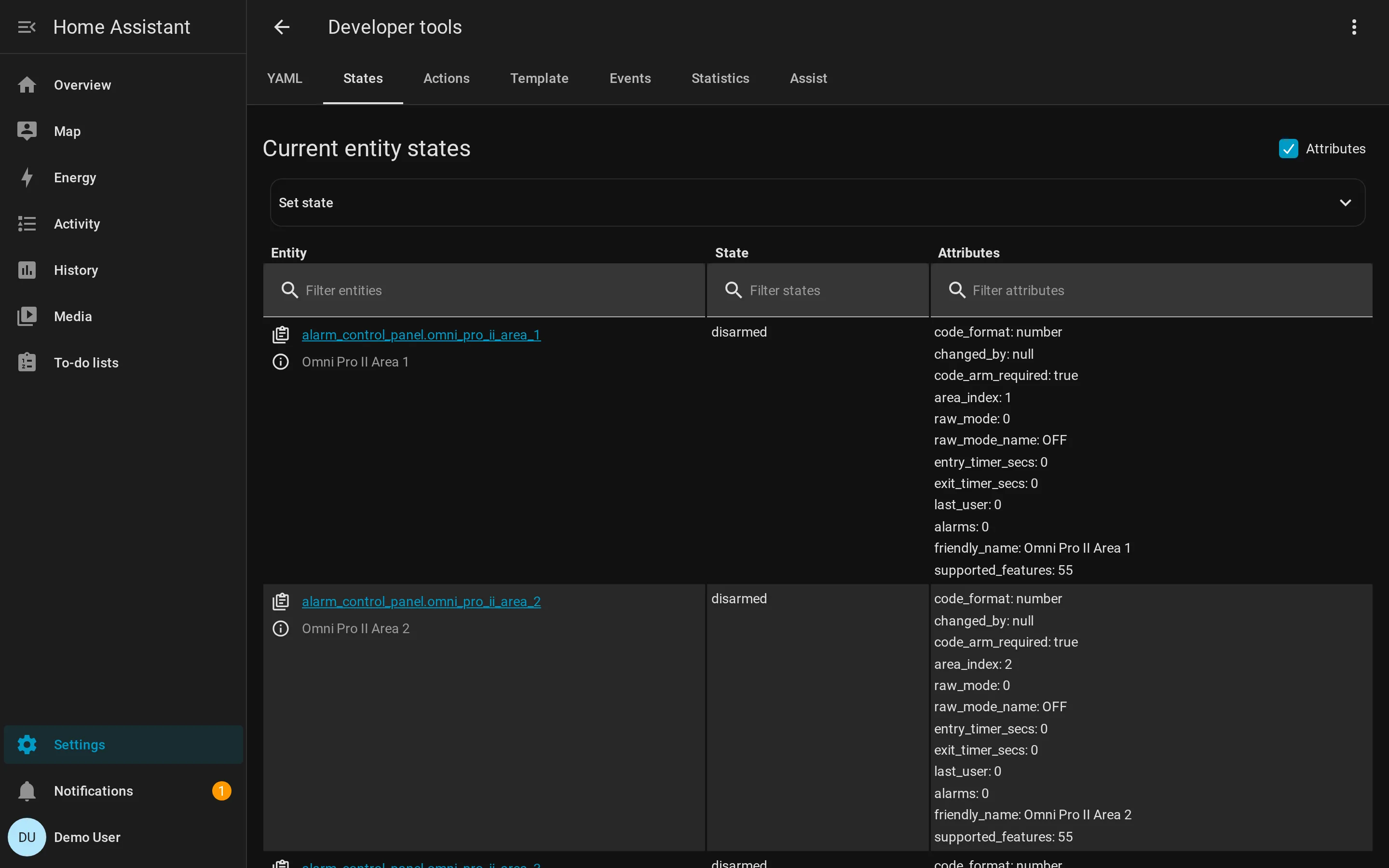
alarm_control_panel
Section titled “alarm_control_panel”One per discovered area (OmniAreaAlarmPanel). Surfaces the area’s current
SecurityMode translated into HA’s AlarmControlPanelState enum:
OFF→disarmedDAY→armed_homeNIGHT→armed_nightAWAY→armed_awayVACATION→armed_vacationDAY_INSTANT→armed_custom_bypassARMING_*(security modes 9..14) →arming- entry-timer running →
pending alarms != 0→triggered
Supported features: ARM_HOME, ARM_NIGHT, ARM_AWAY, ARM_VACATION,
ARM_CUSTOM_BYPASS. Code validation is enforced server-side: the user’s
PIN is sent through ExecuteSecurityCommand (opcode 74). Wrong code raises
an HA ServiceValidationError.
Attributes: area_index, mode_name, entry_timer_secs, exit_timer_secs,
alarm_active, alarm_bitfield.
binary_sensor
Section titled “binary_sensor”Three flavours.
Per binary zone — open/tripped (OmniZoneBinarySensor).
device_class is derived from the zone’s ZoneType:
| ZoneType | HA BinarySensorDeviceClass |
|---|---|
| ENTRY_EXIT, PERIMETER, NIGHT_INTERIOR, AWAY_INTERIOR, DELAY, LATCHING | door / window (opening) |
| FIRE, FIRE_EMERGENCY, FIRE_TAMPER | smoke |
| GAS | gas |
| WATER | moisture |
| FREEZE | cold |
| TAMPER, LATCHING_TAMPER | tamper |
| TROUBLE | problem |
| temperature/humidity types | (handled by sensor instead) |
State: on when the zone is open / not-secure / tripped. Attributes:
zone_index, zone_type, area, current_state, latched_state,
arming_state, is_in_alarm, is_trouble.
Per binary zone — bypass diagnostic (OmniZoneBypassBinarySensor).
entity_category = DIAGNOSTIC, on iff the zone is currently bypassed
(user or auto-bypass).
Per panel — system trouble triplet. Three diagnostic sensors per panel:
binary_sensor.{name}_ac_power— on iff AC is OK (inverted fromAcLost)binary_sensor.{name}_backup_battery— on iff battery OKbinary_sensor.{name}_system_trouble— on iff any current trouble
These mirror the typed events AcLost/AcRestored, BatteryLow/
BatteryRestored, and DcmTrouble/DcmOk.
button
Section titled “button”One OmniButton per discovered panel button macro. Pressing the HA button
dispatches a Command.EXECUTE_BUTTON (parameter2 = button index). No state.
This is the only entity for “scenes” — Omni “scenes” are user-named button
macros, so adding a parallel scene platform would just double-count.
climate
Section titled “climate”One OmniClimate per discovered thermostat. Maps the panel’s HvacMode
FanMode+HoldModetriple onto HA’sHVACMode, fan modes, and preset modes. Setpoints are translated through theomni_temp_to_*helpers so HA can display whatever unit the user prefers.
Supported features: TARGET_TEMPERATURE (single setpoint), or
TARGET_TEMPERATURE_RANGE when in HEAT_COOL/auto mode. Fan: auto, on,
cycle. Preset: none, hold, vacation.
Attributes: thermostat_index, humidity_percent, outdoor_temperature_*,
humidify_setpoint_raw, dehumidify_setpoint_raw, horc_status (1=heating
active, 2=cooling active).
One OmniPanelEvent per panel. Surfaces the typed push-event stream as a
single HA event entity with event_types:
zone_state_changed unit_state_changed arming_changedalarm_activated alarm_clearedac_lost ac_restoredbattery_low battery_restoreduser_macro_button phone_line_dead phone_line_restoredPlus an unknown catch-all for the 14 less-common SystemEvent subclasses.
Each event carries the originating dataclass’s fields in event_data
(zone index, area, alarm type, etc.), plus a raw_word for debugging.
Automations key on platform: state filtered by attributes.event_type.
See HA services → automation example for a
worked snippet.
One OmniLight per discovered unit. Dimmer state is a single byte that
encodes a lot:
| State byte | Meaning |
|---|---|
| 0 | Off |
| 1 | On (relay; no level info — exposed as 100% brightness) |
| 2..13 | Scene A..L (state - 63 → ASCII) |
| 17..25 | Dim 1..9 (state - 16) |
| 26 | Blink |
| 33..41 | Brighten 1..9 (state - 32) |
| 100..200 | Brightness 0..100% (state - 100) |
Non-dimmable relays silently ignore brightness. Conversion is done in pure
helpers (omni_state_to_ha_brightness, ha_brightness_to_omni_percent)
unit-tested without HA in the venv.
Attributes: unit_index, time_remaining_secs (panel-side timer for
auto-off; 0 = indefinite).
sensor
Section titled “sensor”Three flavours.
Per analog zone. Zones with ZoneType in
{TEMPERATURE, OUTDOOR_TEMP, HUMIDITY, TEMP_ALARM, ENERGY_SAVER, FREEZE} get a
sensor entity instead of (or in addition to) a binary sensor. Unit is
inferred from the zone type — temperature in °F/°C, humidity as %,
power-related as W.
Per thermostat. Three sub-sensors per thermostat:
sensor.{name}_temperature— current measured tempsensor.{name}_humidity— humidity percentsensor.{name}_outdoor_temperature— outdoor temp (if reported)
Per panel. Two info sensors:
sensor.{name}_panel_model— model name + firmware version (state)sensor.{name}_last_event— class name of the most recent SystemEvent (ZoneStateChanged,ArmingChanged, etc.) with the raw word as an attribute
switch
Section titled “switch”One OmniZoneBypassSwitch per binary zone, entity_category = CONFIG.
Toggling the switch dispatches Command.BYPASS_ZONE /
Command.RESTORE_ZONE. State mirrors the bypass diagnostic binary sensor
above.
What gets discovered
Section titled “What gets discovered”Only objects with a name set on the panel are discovered — that’s the panel’s own definition of “this slot is in use”. To populate names, use PC Access’s “Names” page (or any other Omni programmer). On a fresh factory-default panel you’ll see zero entities; configure object names first, then reload the integration.
Where to look in source
Section titled “Where to look in source”| Class | File |
|---|---|
OmniAreaAlarmPanel | custom_components/omni_pca/alarm_control_panel.py |
OmniZoneBinarySensor, OmniZoneBypassBinarySensor | binary_sensor.py |
OmniButton | button.py |
OmniClimate | climate.py |
OmniPanelEvent | event.py |
OmniLight | light.py |
| sensor classes | sensor.py |
OmniZoneBypassSwitch | switch.py |
All of them sit on top of OmniDataUpdateCoordinator (coordinator.py),
which keeps a long-lived OmniClient, runs one-time discovery on first
refresh, and patches state in-place from the typed event stream.
What it looks like in HA
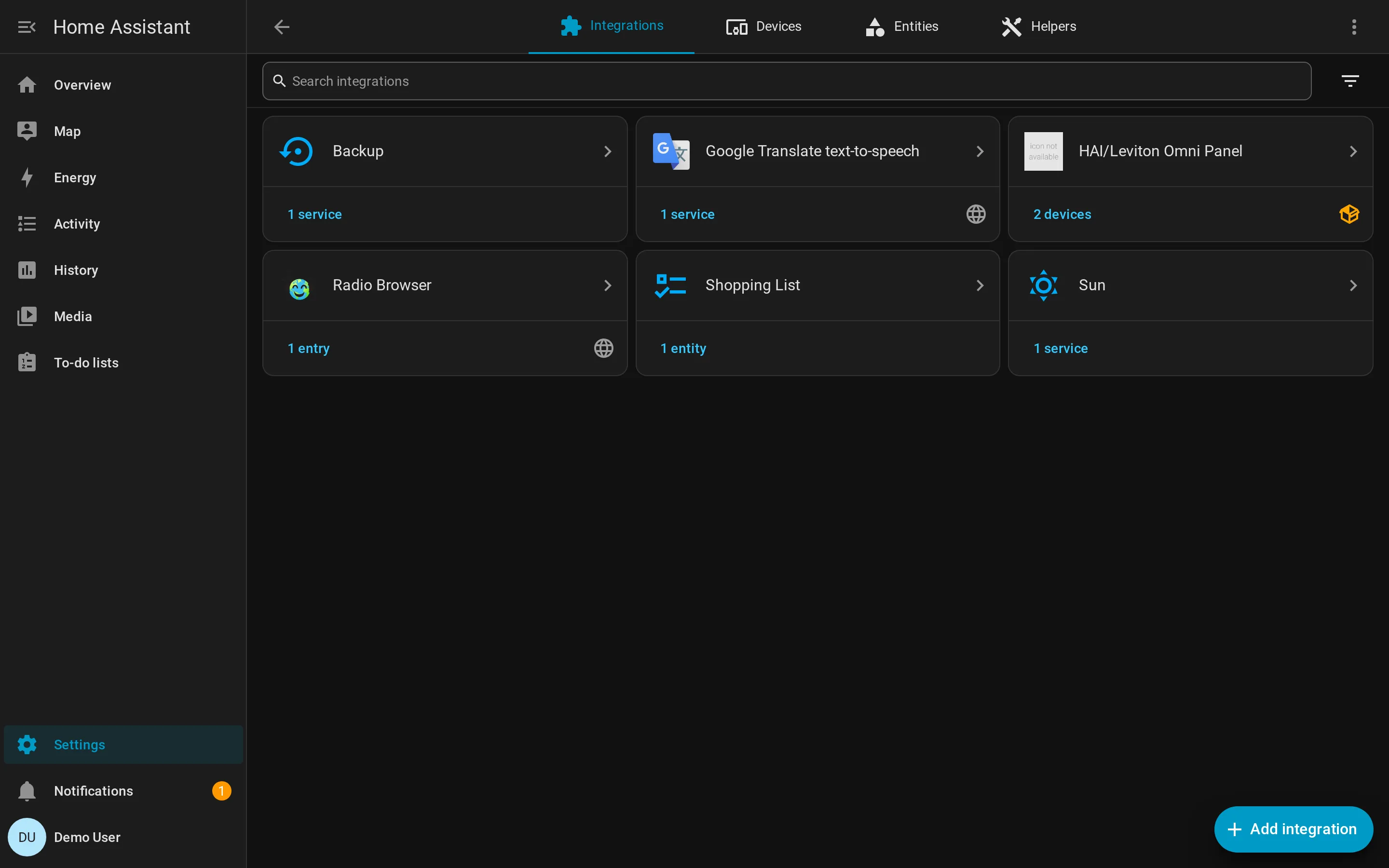
Section titled “What it looks like in HA”The integration appears alongside the rest of HA’s built-in integrations in Settings → Devices & Services:
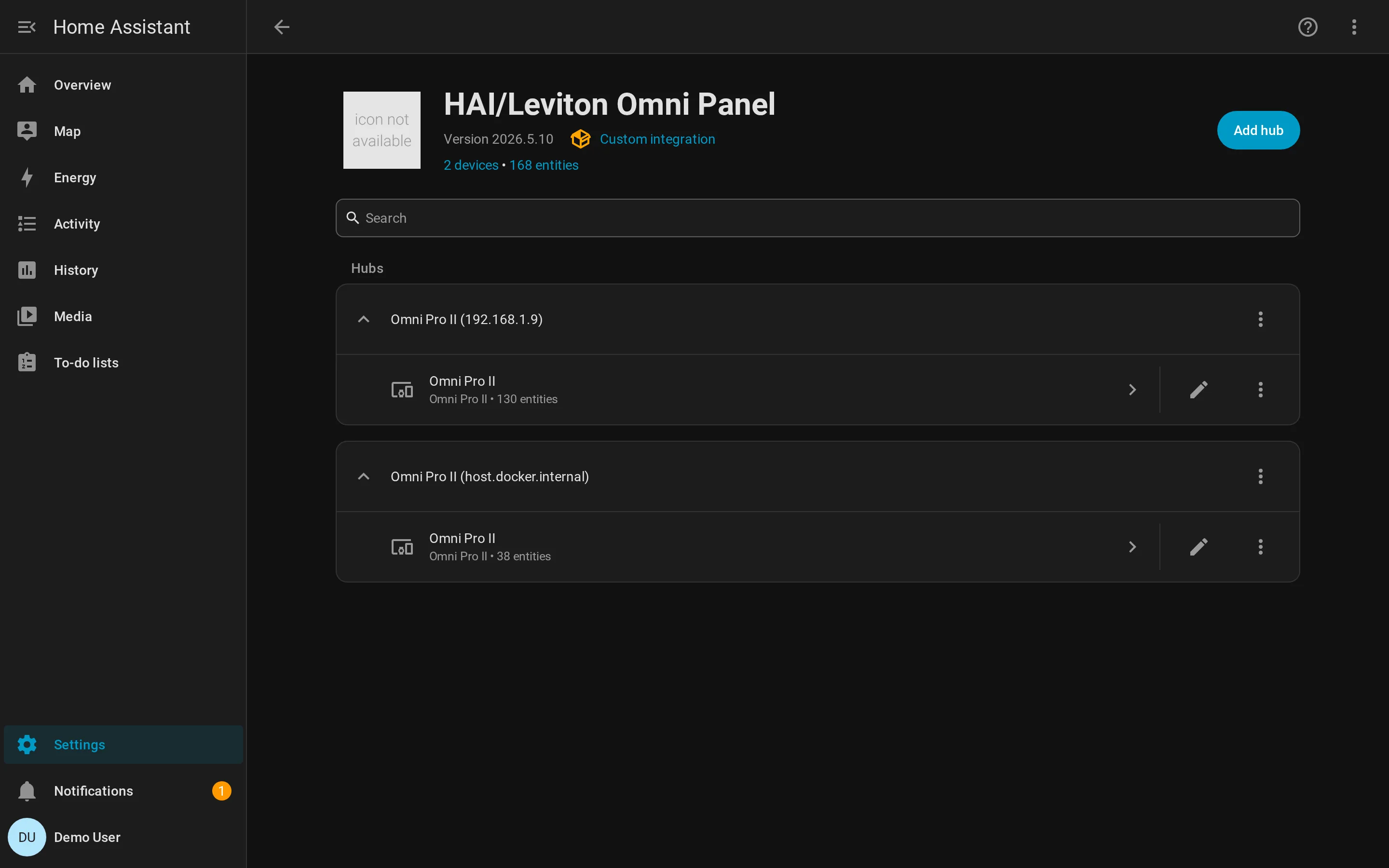
Clicking through, the integration page reports the discovered counts and the hub:
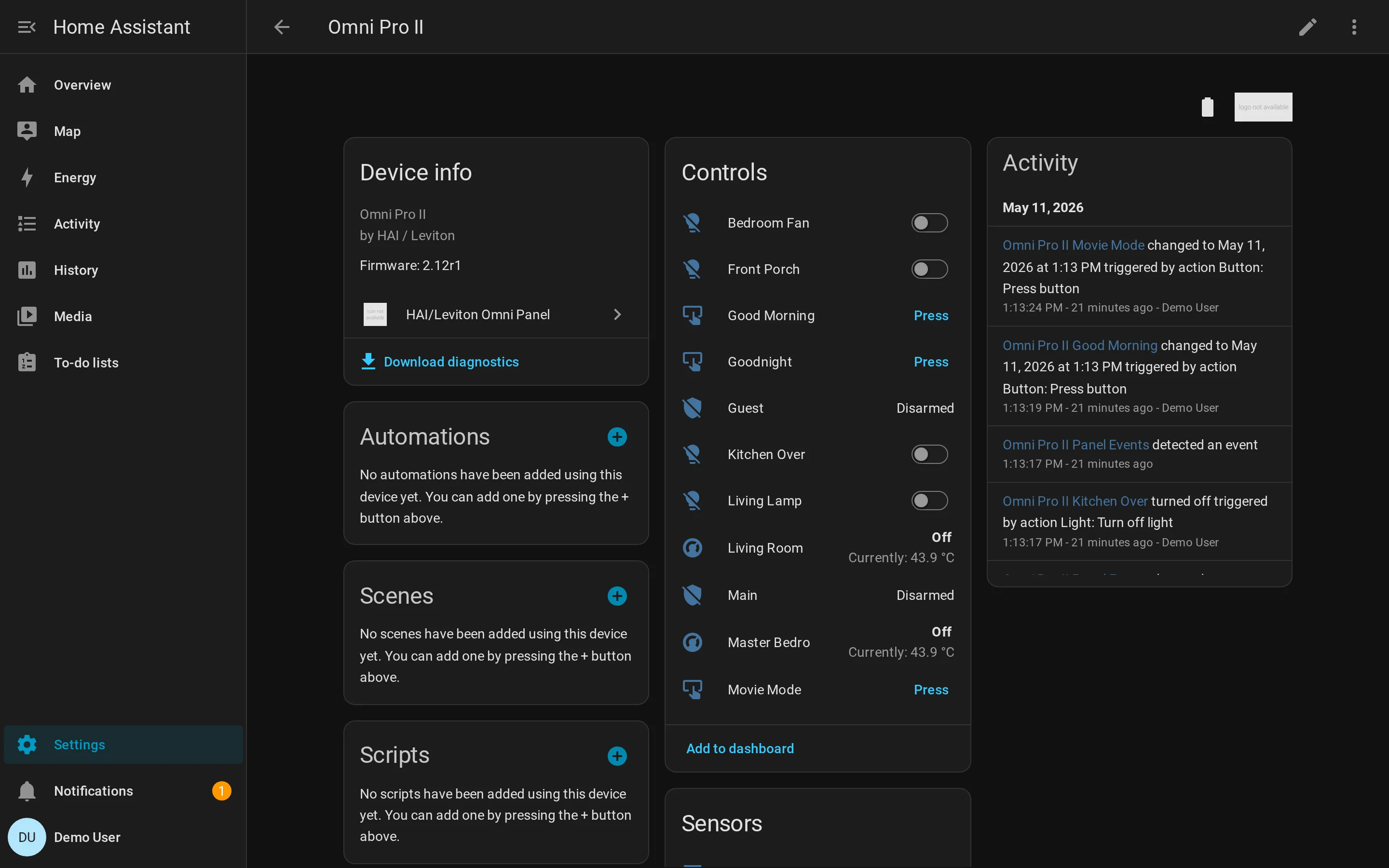
The device page is where every entity surfaces. Lights and switches with toggles, areas with arm states, thermostats with current temperature and setpoints, panel-button macros with Press buttons, plus the Diagnostics download:
Developer Tools → States exposes the raw entity payloads — useful for template authoring and for confirming an attribute is wired through: